 Tuno
Clean video sound
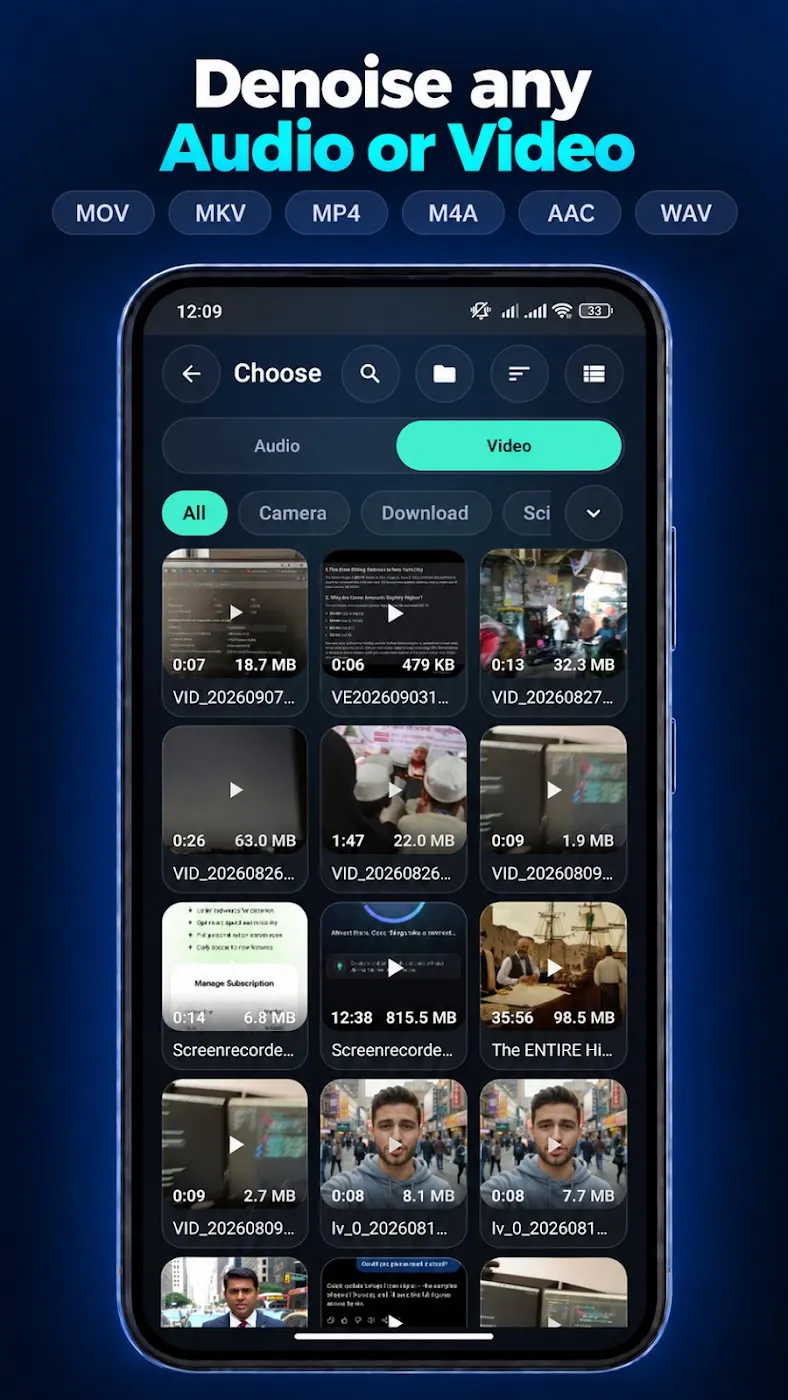
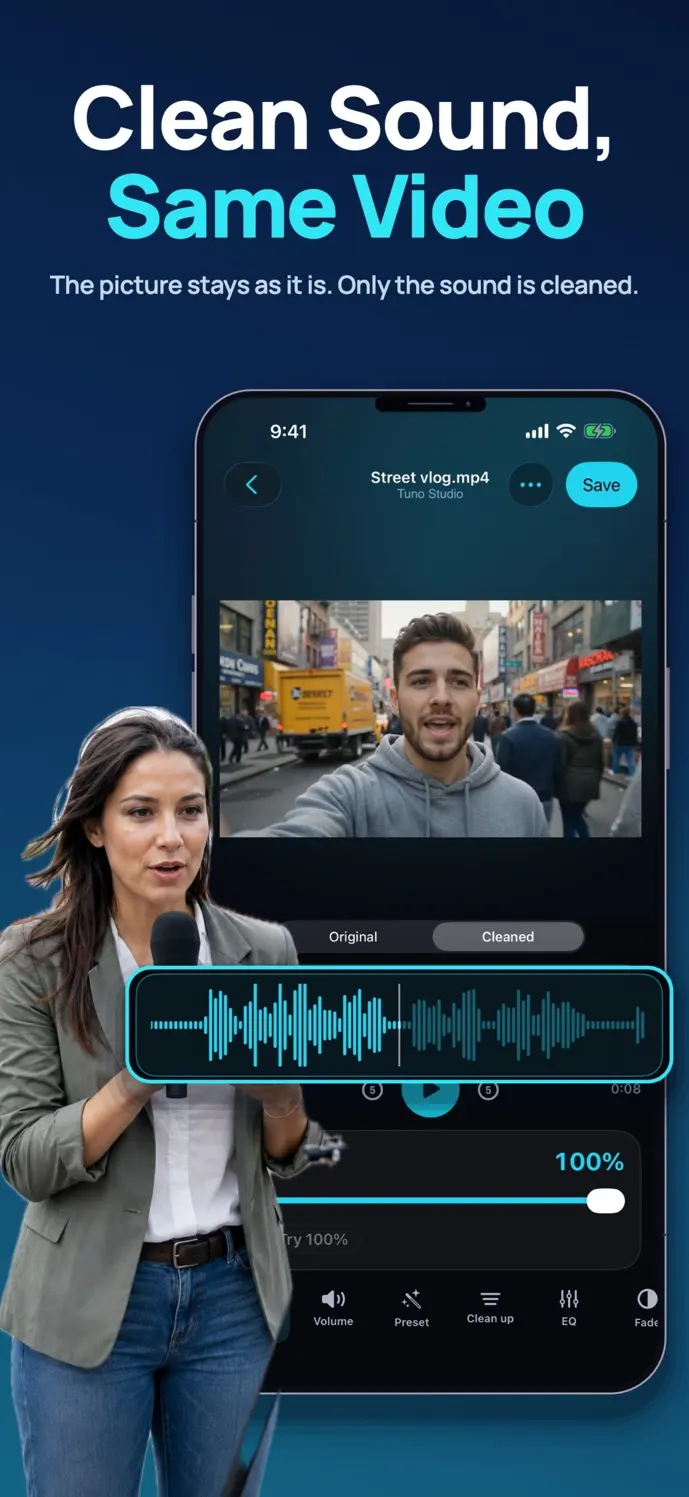
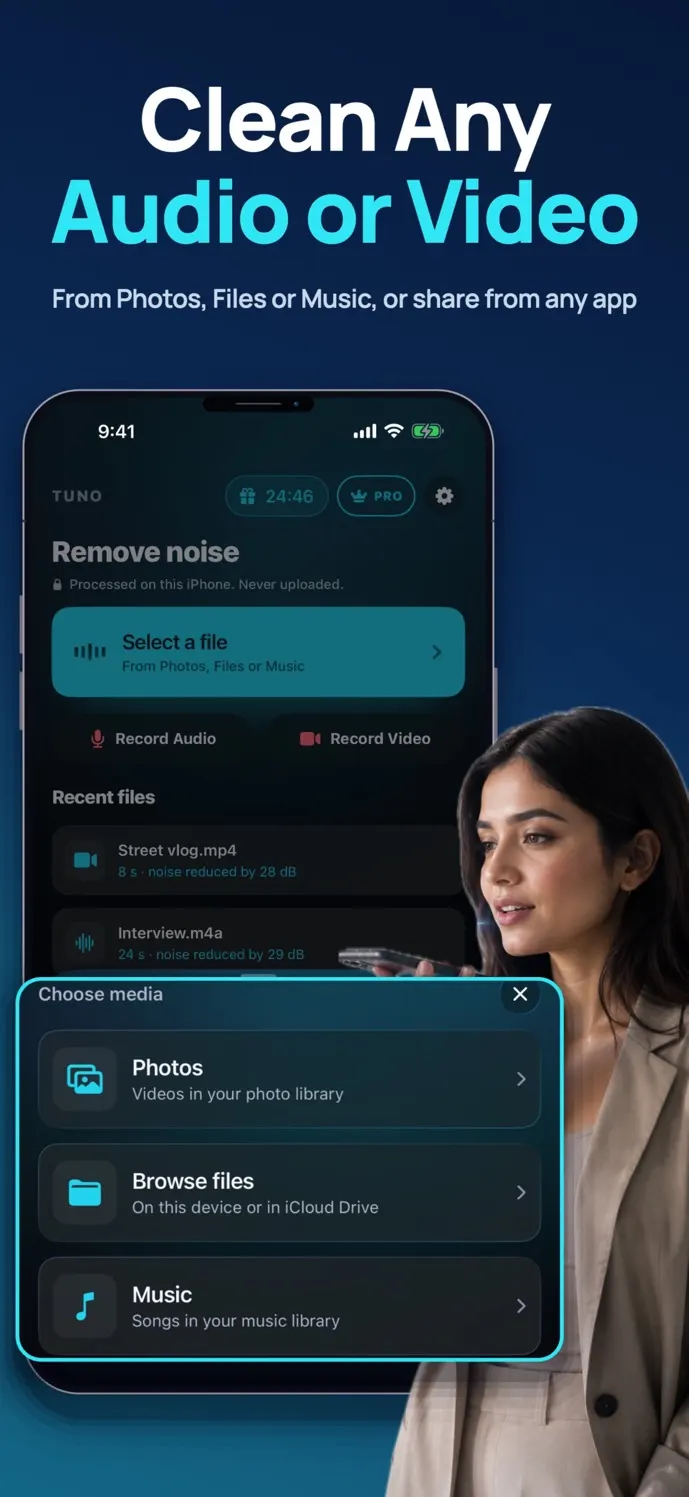
Fix the audio on clips from your camera roll and export the video with clean sound.
The website handles everyday cleanup. The app lets you choose your AI engine, cleans each recording the moment you stop, handles long files, and cleans without an internet connection.
Free to download on both. Scroll down to see each app.Fix the audio on clips from your camera roll and export the video with clean sound.
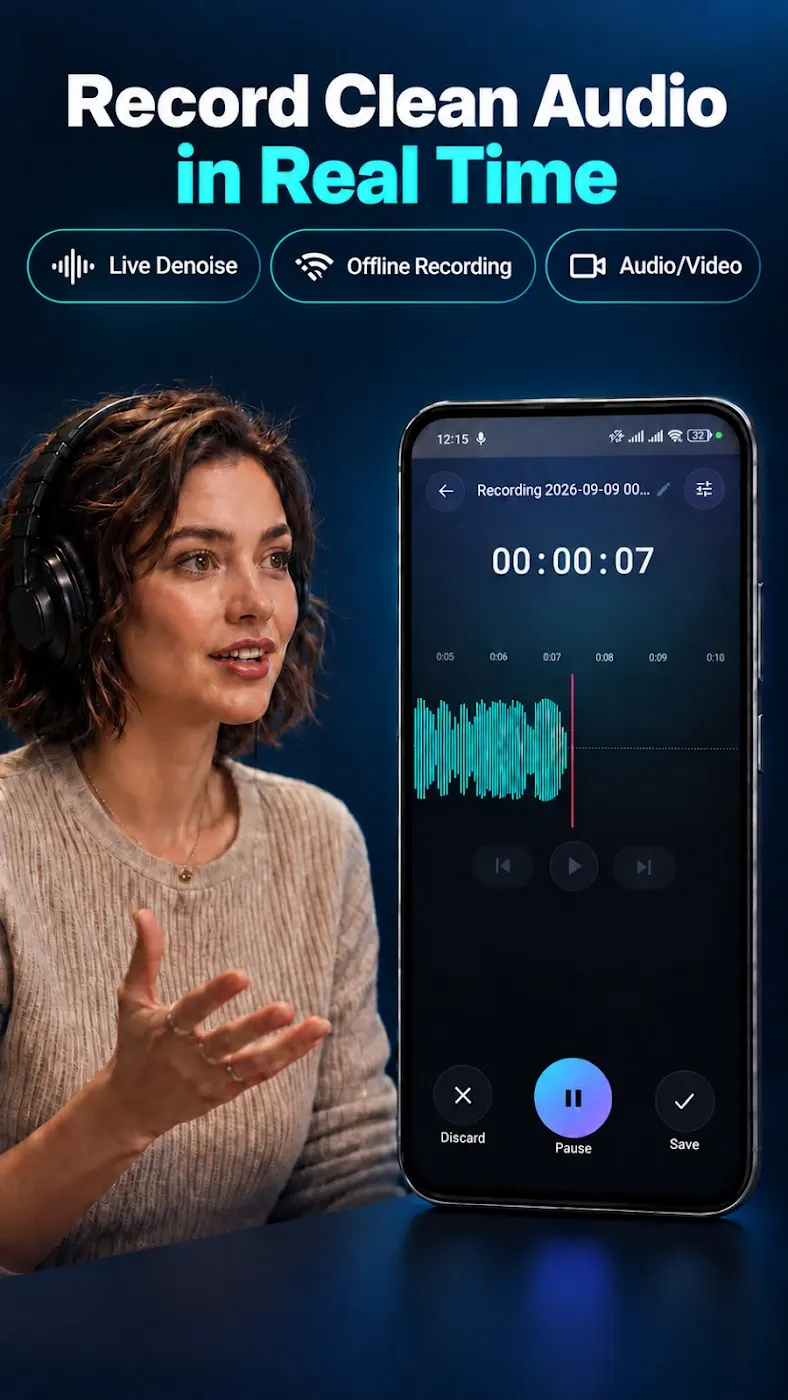
Turn on Clean when I stop and every new recording comes out clear.
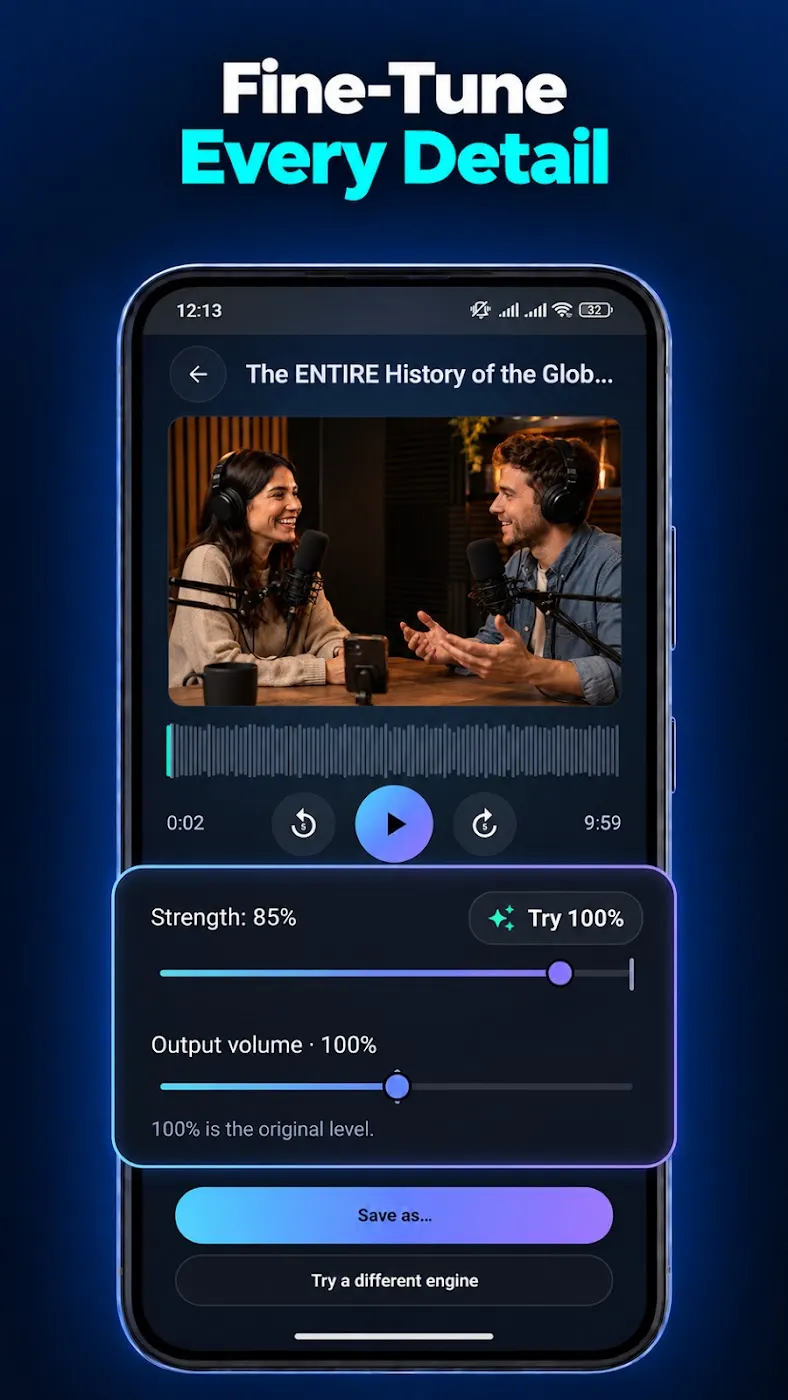
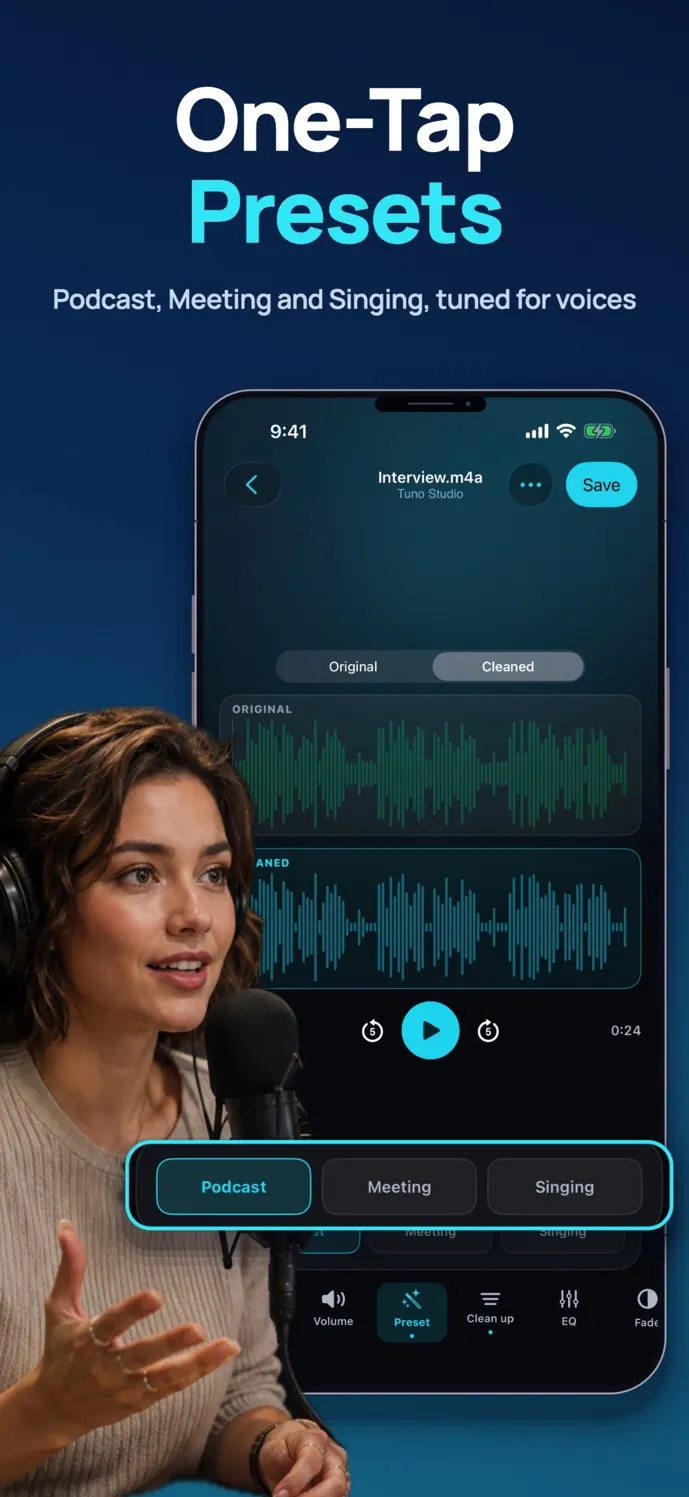
Flip between original and cleaned while you listen, without losing your place.
Leave the app while a file is cleaning. Tuno keeps going and lets you know when it's done.
No watermark and no account. Your recordings are cleaned on your phone.
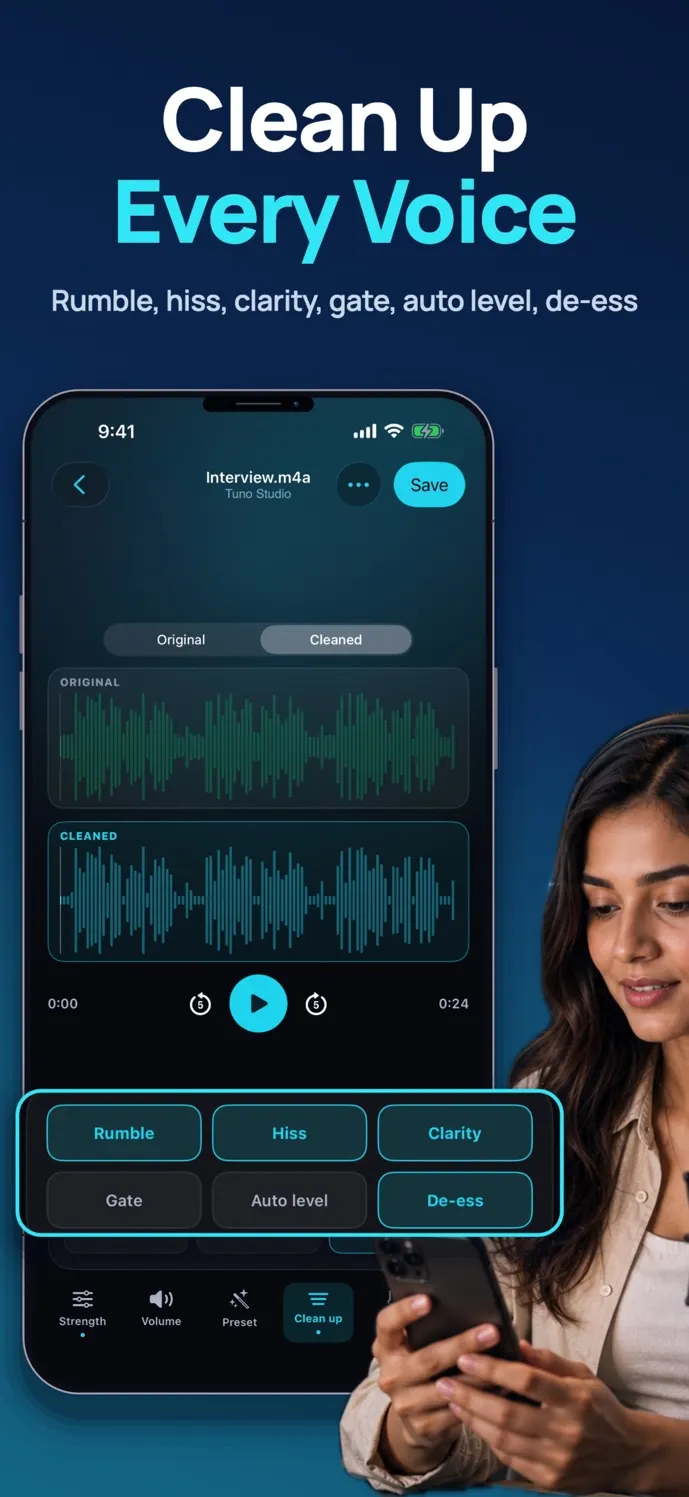
See how many dB of noise came out, and get a suggested strength for your file.
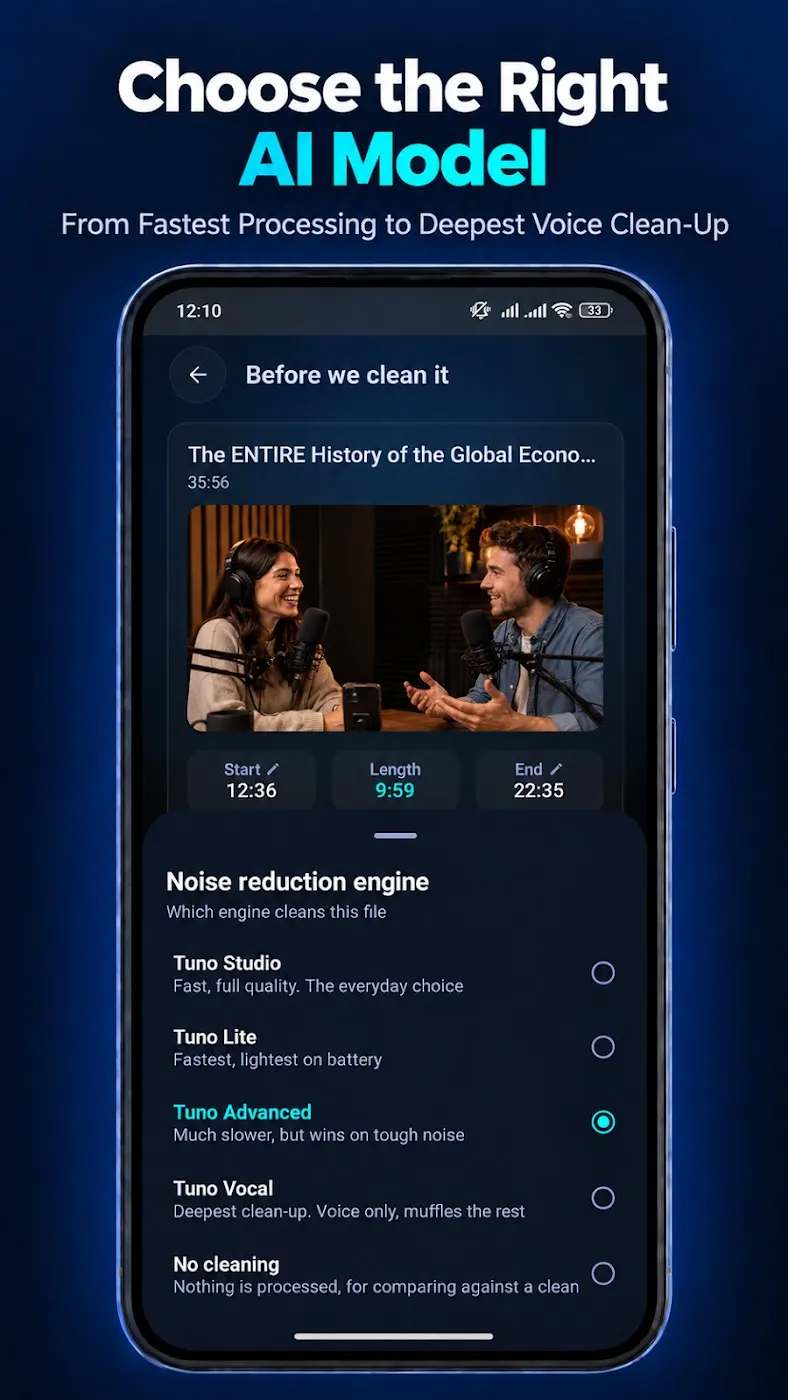
Pick the model that suits the file: DeepFilterNet3, DPDFNet or RNNoise, plus MP-SENet on Android.
Record video right in the app. On iPhone, shoot HD or 4K at 30 or 60 fps with zoom and tap to focus.
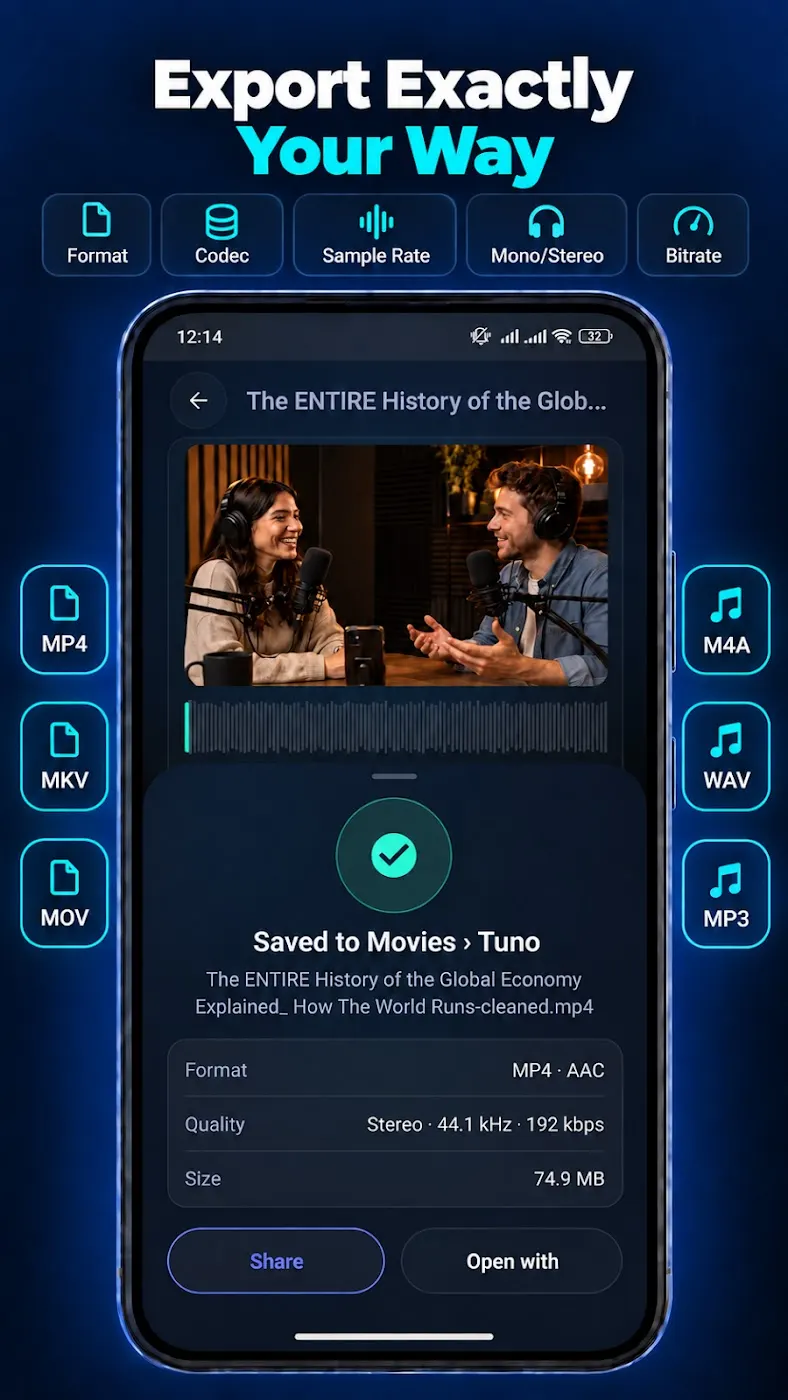
Save audio or video in the format you need, such as WAV, M4A or MP4, and choose the quality.
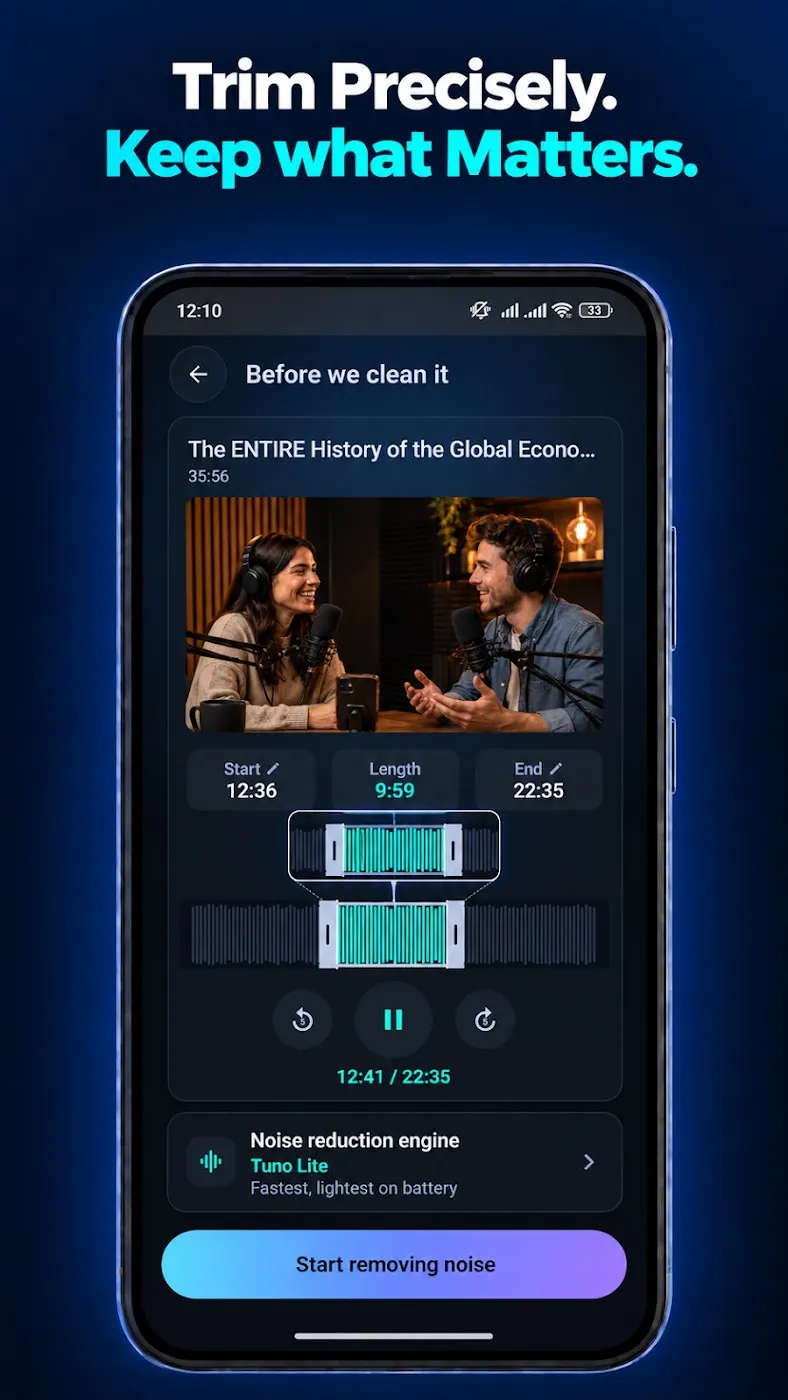
Cut the start and end of a clip first, so you only clean the part you want.
Hear the world around you through headphones, with the background noise removed as it happens.
Play the Removed track to hear exactly which noise Tuno took out of your file.
Tuno speaks many languages, including Arabic with a right-to-left layout.
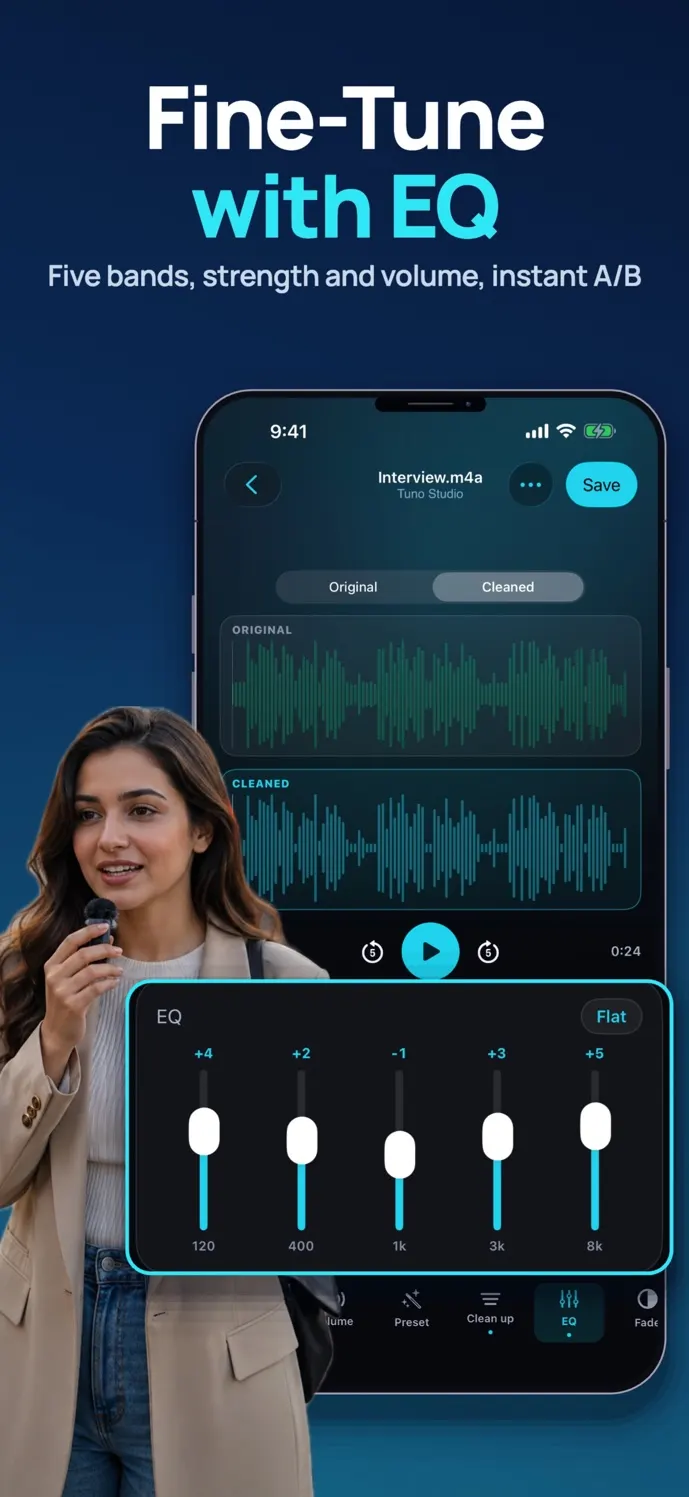
The real App Store screenshots. Swipe or use the arrows.
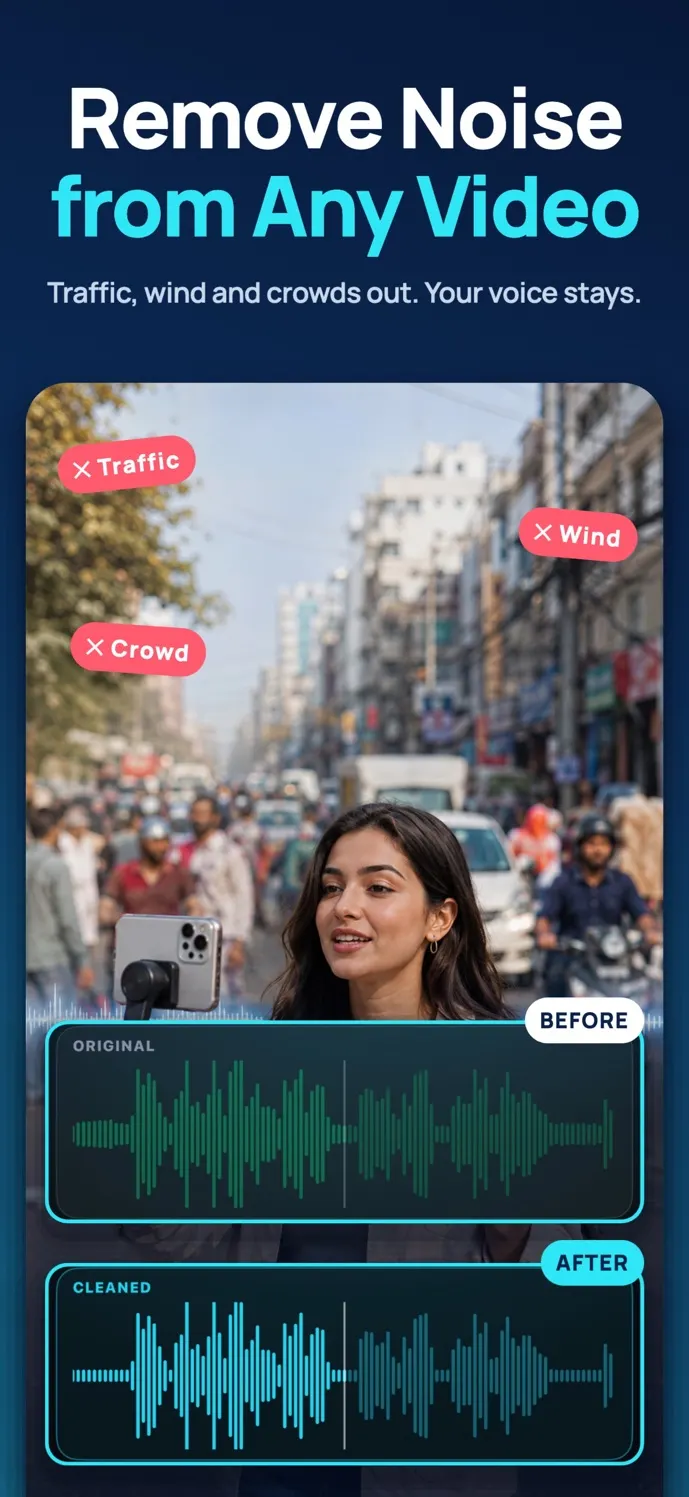
The real Google Play screenshots, from the same app on Android.